
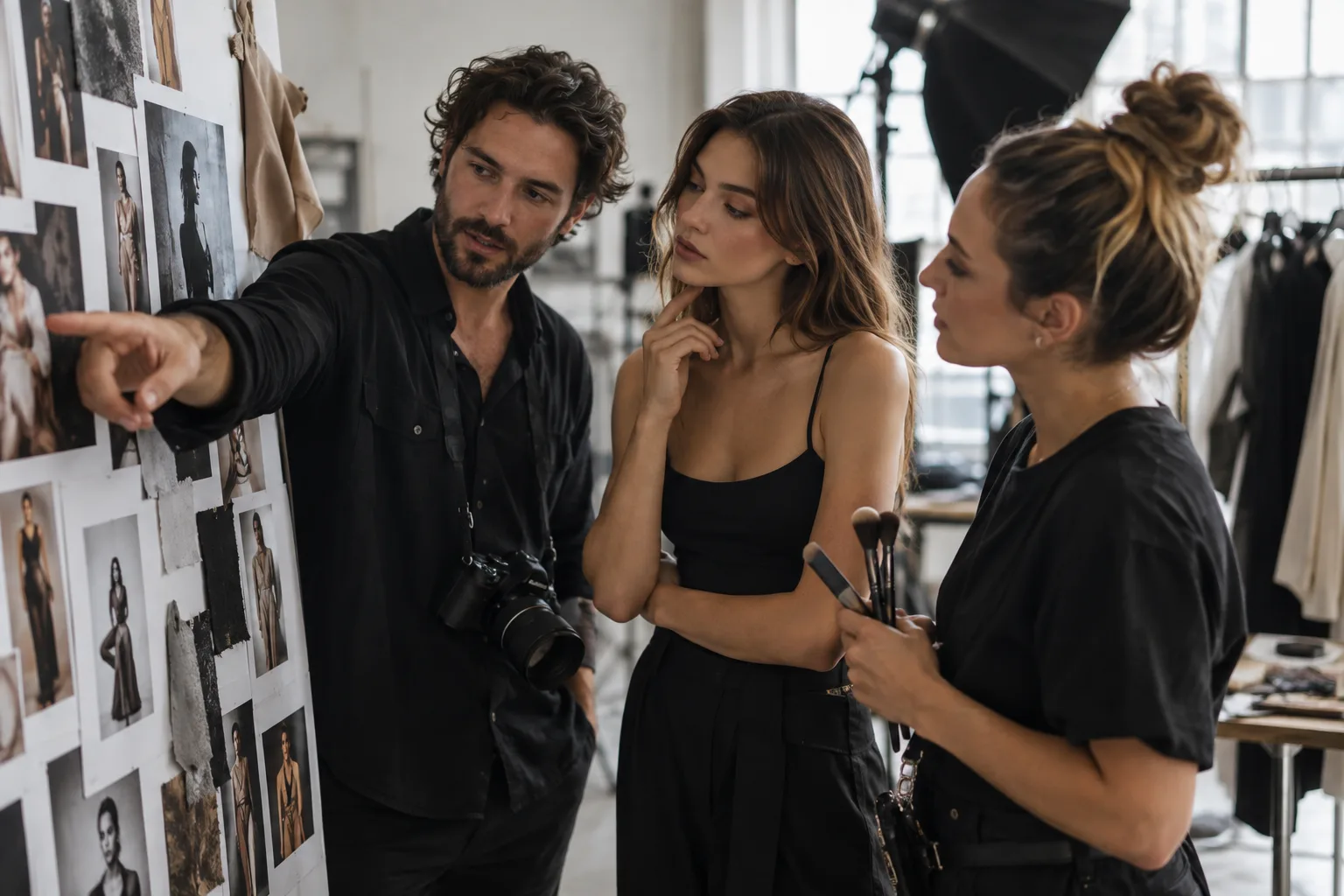
How to Do a Photography Model Call
A well-planned photography model call can help you build a portfolio, test a new session concept, create marketing images, practice a new style, or launch a new photography service. But a successful model call is more than posting “models needed” on social media and hoping the right person replies.
The best model calls give potential participants enough information to decide whether the opportunity is right for them, give the photographer a clear way to review responses, and set expectations before anyone arrives for the shoot.
Here is a practical way to plan, promote, and manage a model call for your photography business.
What is a photography model call?
A photography model call is an invitation for people to participate in a planned photo session. Photographers often use model calls when they need subjects for portfolio building, styled shoots, new location scouting, lighting practice, posing practice, sample galleries, or promotional content for a new photography offering.
A model call does not have to involve professional models. Depending on the project, you may be looking for a family, couple, newborn, senior, maternity client, pet owner, personal-branding subject, or another specific participant who fits the concept you need to photograph.
The important part is clarity: know why you are doing the shoot before you start recruiting people for it.
1. Start with the goal of your model call
Before writing your model call announcement, define exactly what you need to create. Are you building a portfolio for a photography niche you want to book more often? Testing a new studio setup? Photographing a new mini-session theme? Creating images for a new pricing guide or website page?
Write down the session type, creative concept, approximate date and time, location, number of participants needed, wardrobe expectations, deliverables, and any legitimate criteria that are essential to the shoot. Keeping the criteria tied to the actual creative or logistical needs of the session makes the call easier to explain and the applications easier to review.
2. Decide what the model receives
Be specific about the arrangement. State whether the session is paid, complimentary, discounted, or structured as a trade, and explain exactly what the participant will receive. If images are included, say what you are actually offering rather than using vague phrases such as “free photos.”
Also explain how you intend to use the photographs. A photographer who needs portfolio and marketing images should make that purpose clear before the session. Your agreement and permissions should accurately reflect the arrangement and the intended image usage.
3. Write a model call post that answers the obvious questions
A strong photographer model call post should quickly tell someone what the opportunity is, who you are looking for, where and when the session will happen, what participation involves, what they will receive, and how to apply.
Include an application deadline and avoid asking people to apply through a messy combination of comments, direct messages, texts, and emails. One defined application path makes it much easier to compare responses and follow up professionally.
Your model call graphic or sample images should also reflect the kind of photography you are trying to create. If you are launching maternity sessions, for example, the visual direction of the announcement should feel connected to the work you want potential maternity photography clients to associate with your brand.
4. Use a photography inquiry form instead of collecting applications in DMs
Social media is useful for promoting a model call, but it does not have to become the place where you manage it.
With Session Savvy, photographers can build a photography inquiry form so prospective participants can send the details you need in a structured format rather than scattering applications across DMs, texts, and email. For a model call, use a focused application form to collect only the information you genuinely need to evaluate and contact applicants.
Depending on the shoot, useful questions might include contact information, availability, relevant participant details, comfort with the concept, and anything else that materially affects planning. Avoid collecting sensitive or unnecessary information simply because you can.
This gives your photography model call applications a more organized starting point. Session Savvy’s photography client management and organization tools can also help keep client and session details together instead of spread across multiple conversations.
5. Promote the model call where the right people will see it
Share the opportunity through the channels that make sense for your photography business: your website, email audience, social media accounts, past-client network, local community groups, or relevant professional connections.
Do not measure success only by the number of applications. A smaller group of appropriate applicants is far more useful than a large response from people who did not understand the session.
Use clear, searchable language in the post itself. Phrases such as family photography model call, maternity model call, senior photography model call, newborn photography model call, or branding photography model call can make the opportunity more specific for the audience you actually want to reach. Keep the wording natural rather than stuffing every photography keyword into one announcement.
6. Review applications consistently
Before reviewing responses, return to the criteria you established for the shoot. Look for the practical fit first: availability, session requirements, location, concept, and any other factors that genuinely matter to the project.
Consistency helps you avoid choosing someone simply because they were the first person to comment. It also makes the process easier when a model call receives more interest than expected.
Once you select your participant or participants, close the loop with the people who applied. A short, respectful update is better than leaving applicants wondering whether the opportunity is still open.
7. Treat the model call like a real photography session
“Model call” should not mean “casual about the details.” Once someone is selected, give them the same kind of clear communication you would want in any professional photography client experience.
Confirm the date, time, location, expected duration, wardrobe or styling guidance, who will attend, what they should bring, what they will receive, and what happens if plans change. Session Savvy’s photography calendar keeps calendar events connected with clients, communication, and workflows so the session details stay close to the rest of the job. Make sure any required agreements and permissions are handled appropriately for your business and jurisdiction.
If the session needs additional planning information, Session Savvy lets photographers use photography client questionnaires to collect preferences, names, priorities, and other session details ahead of the shoot. That can help you prepare without searching through old email threads later.
8. Build a repeatable model call workflow in Session Savvy
A model call can involve many of the same moving parts as a paid photography session: an inquiry, client details, communication, scheduling, preparation, the shoot itself, image delivery, and follow-up.
Session Savvy brings those moving pieces into a photography-focused system. Its photography session and workflow management tools help you see where a session stands and follow the stages that make sense for your business instead of rebuilding your to-do list from scattered notes and messages.
For repeatable portfolio-building or promotional shoots, create a workflow that reflects the steps you actually use. For example: review the application, confirm the selected participant, gather planning details, schedule the session, prepare for the shoot, photograph the session, complete post-production, deliver what was promised, and follow up.
The goal is not to add more administration to a creative project. It is to keep the details from getting scattered across your inbox, calendar, notes, and social messages.
9. Create a professional experience on session day
Prepare for the model call session with the same care you bring to client work. Have the location, equipment, lighting plan, shot priorities, timing, and backup considerations ready before the participant arrives.
Explain what you are doing, give useful direction, respect boundaries, and create space for questions. If the shoot includes children or other circumstances that require additional safety, consent, or supervision considerations, plan those carefully in advance.
10. Deliver what you promised and follow up
After the shoot, complete the arrangement you described in the model call. If you promised a particular deliverable or follow-up, keep it visible in your workflow until it is complete.
Thank participants for the time and effort they contributed. When appropriate, let them know what happens next and when they should expect it. A model call may be a creative project for you, but the person on the other side still deserves clear expectations and dependable communication.
Photography model call checklist
- Define the purpose and creative goal of the shoot.
- Choose the session type, location, timing, and essential participant criteria.
- Decide exactly what the participant receives.
- Clarify intended image usage and appropriate permissions.
- Write a clear photography model call announcement.
- Create one organized application process.
- Promote the call to the audience most likely to be a good fit.
- Review applicants against consistent criteria.
- Communicate with selected and non-selected applicants.
- Confirm session details and collect necessary planning information.
- Prepare and photograph the session professionally.
- Deliver what was promised and complete your follow-up.
Make your next photography model call easier to manage
Model calls are most useful when they help you create intentional work without creating an administrative mess behind the scenes. A clear application, organized client information, thoughtful communication, and a repeatable photography workflow can make the process easier for both you and the people you photograph.
Session Savvy is photography business software built to keep the practical details of your sessions connected. Start with inquiry forms for photographers, gather shoot-specific details with client questionnaires, and keep the job moving with photography workflow management while you focus on creating the work.
New to the term? Read what a photography model call means. When you are ready to collect responses, use the model-call application form guide to choose your questions.