
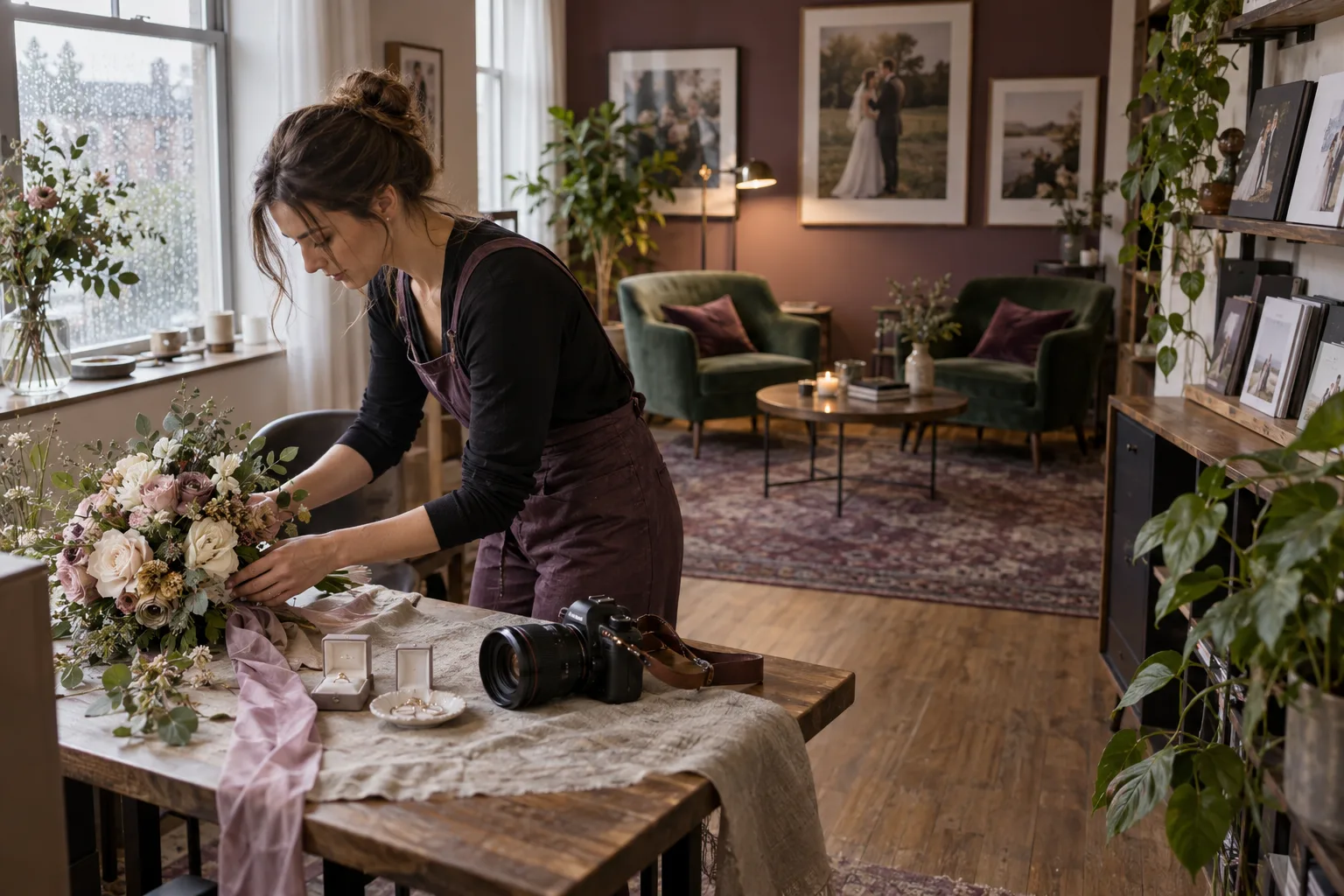
How to Start a Home-Based Wedding Photography Business
A wedding photography business can be run from home, but “home-based” should describe where you handle the administrative work—not how seriously you treat the business.
A home-based business still needs an operating budget. Estimate your required photography revenue with home-office costs that apply to you, wedding delivery hours, and conservative booking expectations.
Wedding photography carries high client expectations and very limited opportunities to redo important moments. Build experience and dependable systems before taking on work that exceeds your preparation.
Develop wedding-specific experience
Photographing weddings requires more than general camera skills. Lighting conditions change quickly, timelines move, groups need direction, equipment can fail, and important moments happen once.
Assisting or second shooting for experienced wedding photographers can provide valuable exposure to real wedding-day logistics before you take primary responsibility for an event.
Set up the business appropriately
Research the registration, licensing, insurance, tax, contract, zoning, or home-business requirements that apply where you live and work. Requirements vary significantly by location and business structure.
Use qualified legal, insurance, and tax professionals when you need advice specific to your circumstances.
Create a wedding offer you can explain clearly
Decide what you sell: coverage duration, engagement sessions, second photographers, albums, digital delivery, travel, or other services relevant to your business.
Then calculate what it costs you to deliver that work. Wedding pricing should account for preparation, the event itself, culling, editing, communication, delivery, products, travel, equipment, insurance, software, taxes, and other overhead.
Build an inquiry process
Wedding leads often arrive with important information attached: the wedding date, venue or location, coverage needs, and questions about availability or pricing.
Session Savvy inquiry forms can help collect structured information at the beginning so you have useful context when responding.
Create a dependable communication workflow
Wedding clients may work with you for many months. Keep communication and important details organized instead of relying on your inbox to remember the entire relationship.
Reusable email templates can help with repeated messages, while questionnaires can collect more detailed information when you reach the appropriate planning stage.
Manage dates carefully
Wedding dates are high-stakes calendar commitments. Session Savvy calendar events connect with clients, communication, and workflows, giving you a central place to keep the appointment tied to the surrounding job.
Build a payment process
Define how invoicing and payment work according to your policies and client agreements. Session Savvy lets photographers create and send invoices and connect Stripe for online credit card payments.
For legal questions about retainers, cancellations, refunds, or contract language, consult an appropriate professional in your jurisdiction.
Plan for the work after the wedding
The wedding day may be the most visible part of the service, but the job continues through backups, culling, editing, product work, delivery, and follow-up.
Create a workflow that lets you see where each wedding stands, especially when you have several events in post-production at once.
Build professional systems before volume arrives
A home office can support a serious wedding photography business. What matters is whether your clients receive clear communication and whether you have dependable systems for the responsibilities you have accepted.
Session Savvy helps photographers organize client information, inquiries, communication, calendar events, questionnaires, invoices, and session workflows in one photography-focused system.