
Portraits · THE SESSION KIT
Portrait Photography Starter Kit
Give your next portrait shoot a clear purpose, a short shot list and a reliable follow-up, with practical templates you can adapt.
Free ZIP · 2,611 KB · No account required
Ready to plan your next portrait session?
Use the included questions to prepare an inquiry form for your next session.
Plan my portrait inquiriesDownload the file again · Continue browsing
Setting up your business is optional. Your browser handles saving the file.
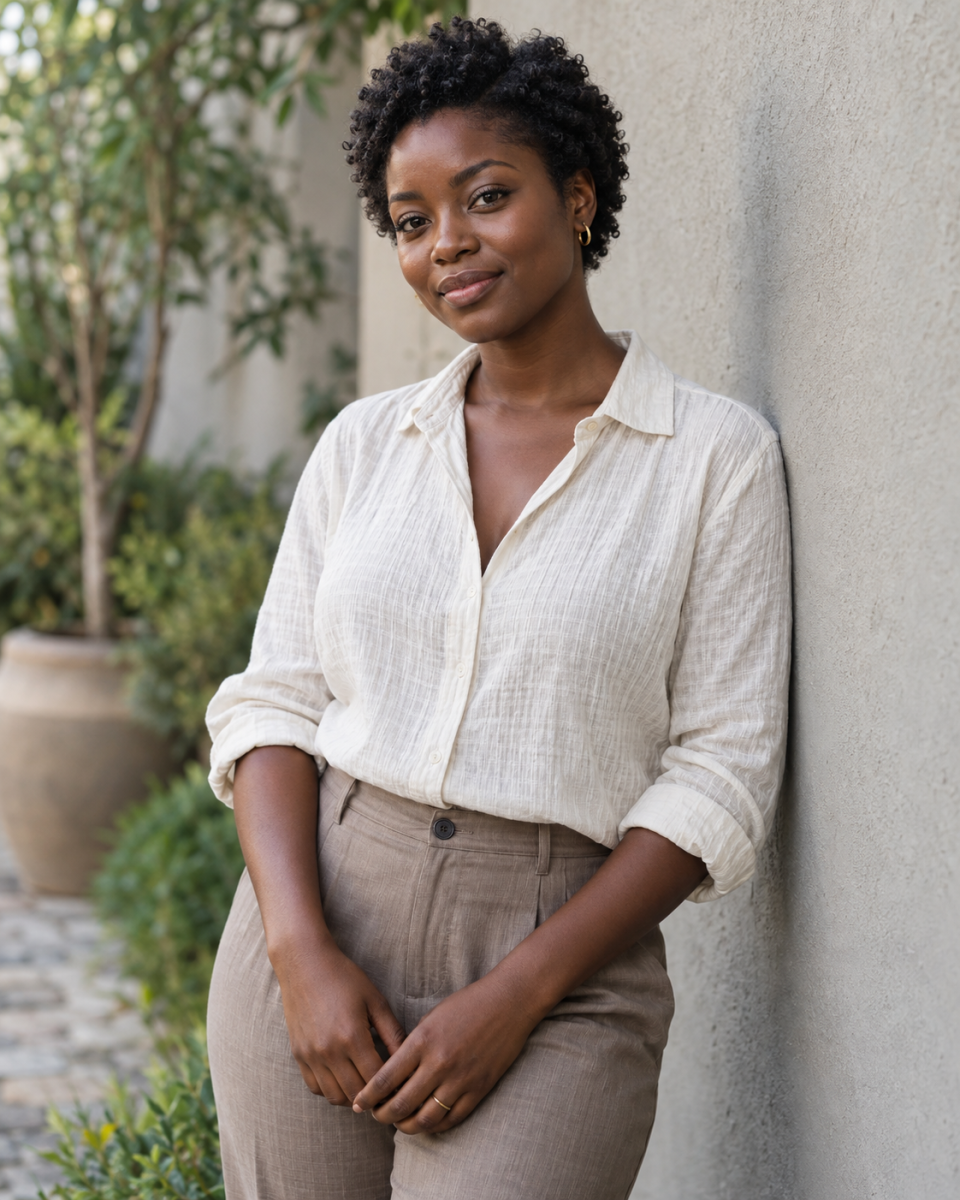
Free Portrait Photography Presets and a Session Starter Kit
A strong portrait session begins with a clear purpose. What will the photographs be used for? Which crops does the client need? What would help them feel comfortable? Answering those questions makes your shooting and editing choices easier.
This free portrait photography kit includes the True Portrait Lightroom preset, a practical session guide, a model-call planning resource, and client templates you can adapt to the service you offer.
What is in the free portrait photography kit
- One True Portrait XMP preset.
- A seven-page guide in PDF and editable Word formats.
- A short portrait inquiry and a more detailed preparation questionnaire.
- A shot list with simple, comfortable direction.
- A model-call announcement and planning guidance.
- Preparation, selection, and delivery email templates.
A clean starting point for portrait editing
True Portrait is designed for balanced color and restrained contrast. Its color shifts are intentionally modest, so you have room to respond to different skin tones, clothing, backgrounds, and lighting.
Start with white balance and exposure that suit the person and the scene. Preserve the depth of the subject’s skin rather than trying to make every complexion equally bright. Address reflected color where it occurs, and make sharpening and retouching decisions separately.
This preset is a starting point for a consistent workflow. It does not replace checking focus, expression, background distractions, or the client’s intended image use.
Plan the photographs the client actually needs
The guide helps you confirm purpose, location, outfits, deliverables, and crop requirements. Its shot list covers relaxed standing and seated portraits, gentle movement, close frames, and wider context, with simple prompts you can adapt to the person in front of you.
For a model call, begin with one specific portfolio gap. The included announcement asks you to state the date, deliverables, cost or compensation, and intended use clearly. Confirm publication permissions through your own process before sharing participant photographs.
Download your free portrait photography kit
Download and extract the complete ZIP. The installation section explains how to import the XMP, and separate text files make the client messages easy to copy. No Session Savvy account is required to get the kit. Adobe editing software is separate.
Give your next portrait inquiry a clear path
Choose the portrait service you want to promote, customize the included questions, and prepare an inquiry form in Session Savvy. Use the client’s answers to build a useful session brief. Explore inquiry forms or start a free account.
Preset and image notes
The XMP file has been structurally checked. Adobe import and real-photo performance still need verification for this release. Style-preview photographs are AI-generated illustrations, not before-and-after results from the preset. Results depend on the original image, lighting, camera profile, exposure, and white balance.
Frequently asked questions
Is this photography kit free
Yes. The kit is offered as a free download. Account setup is an optional next step after you receive it.
Can I use the preset on client photographs
Yes. You can apply the supplied preset to personal and client photographs and adapt the written templates for your photography business.
What file formats are included
The preset is XMP. The kit also contains a PDF guide, an editable DOCX guide, a Markdown version, and text templates. The fall kit additionally includes an XLSX workbook. No DNG preset is included.
Do presets work identically on every photo
No. Adjust exposure, white balance, and individual settings for each lighting situation. Start with a clean edit and keep your originals.
PRACTICAL RESOURCES
Your session, step by step
The complete ZIP preserves the supplied guide and template formats. Open PDFs to read or print, and use the editable documents in a compatible application.
- Client Emails (TXT)
- Portrait Session Guide (DOCX)
- Portrait Session Guide (MD)
- Portrait Session Guide (PDF)
- Promotional Copy (TXT)
- Questionnaires And Planning Fields (TXT)
- Session Checklists (TXT)
- Shot List (TXT)
- START HERE (TXT)
Exactly what’s in the ZIP
Version 1.0 · 2,611 KB
- true-portrait/Portrait_Session_Guide.docx
- true-portrait/Portrait_Session_Guide.md
- true-portrait/Portrait_Session_Guide.pdf
- true-portrait/Preset/True_Portrait.xmp
- true-portrait/START_HERE.txt
- true-portrait/Templates/Client_Emails.txt
- true-portrait/Templates/Promotional_Copy.txt
- true-portrait/Templates/Questionnaires_and_Planning_Fields.txt
- true-portrait/Templates/Session_Checklists.txt
- true-portrait/Templates/Shot_List.txt
Free ZIP · 2,611 KB · No account required
Ready to plan your next portrait session?
Use the included questions to prepare an inquiry form for your next session.
Plan my portrait inquiriesDownload the file again · Continue browsing
Setting up your business is optional. Your browser handles saving the file.